
Apps for iPhone & Android
Your own app — on the App Store and Google Play.
Employee app, member app or customer app: I build iPhone and Android apps that connect seamlessly to your website and portal — and see you through to publication.
Use cases
When your own app really pays off.
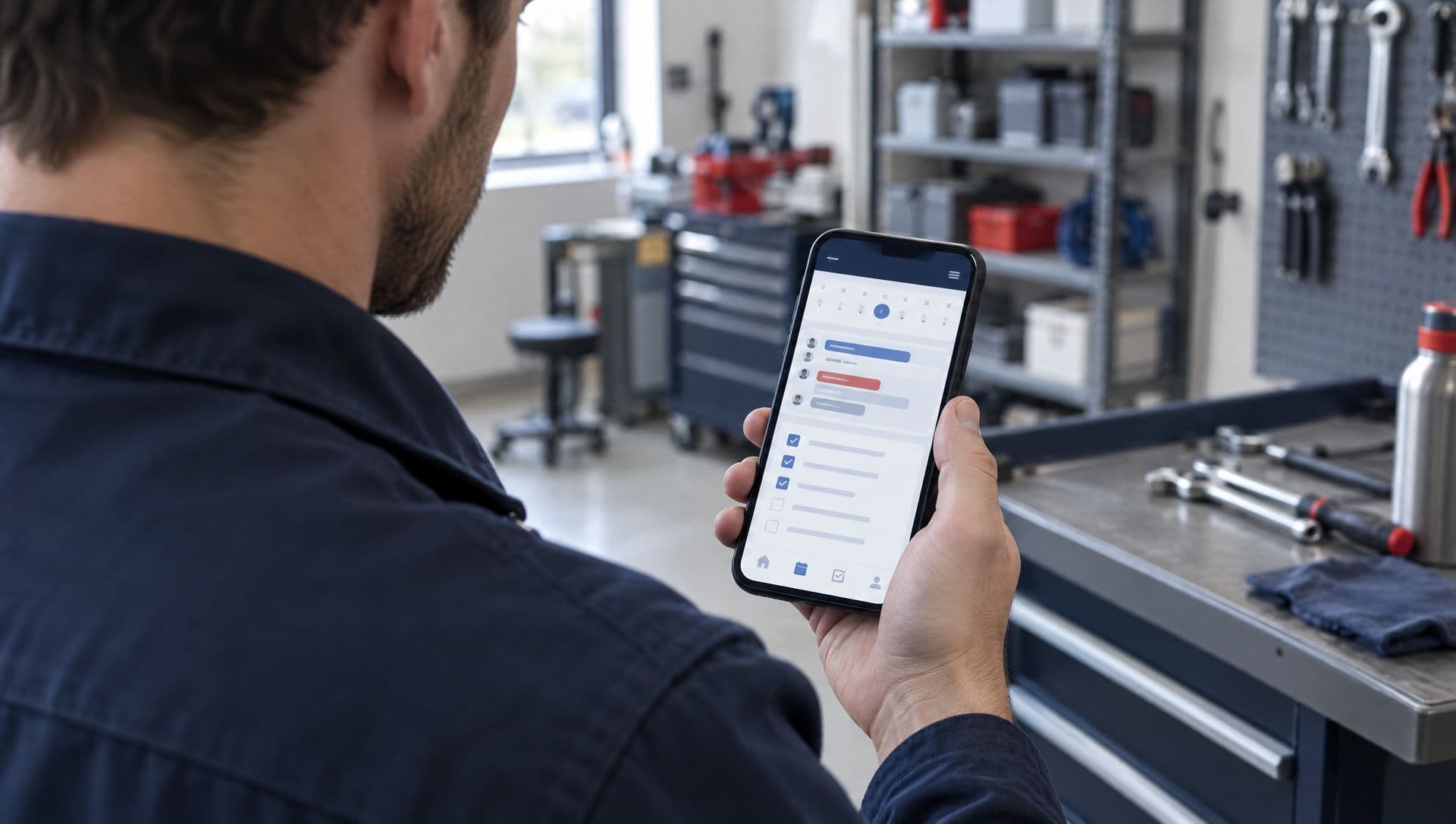
Employee apps
Shift plans, time tracking, leave requests and team messages — right on the phone instead of paper lists and messenger groups.
Member apps
Events, news and push notifications for clubs and cooperatives. Important updates reach everyone without anyone having to open a website.
Customer apps
Bookings, orders or a personal customer account — for businesses whose customers come back regularly.
My own product
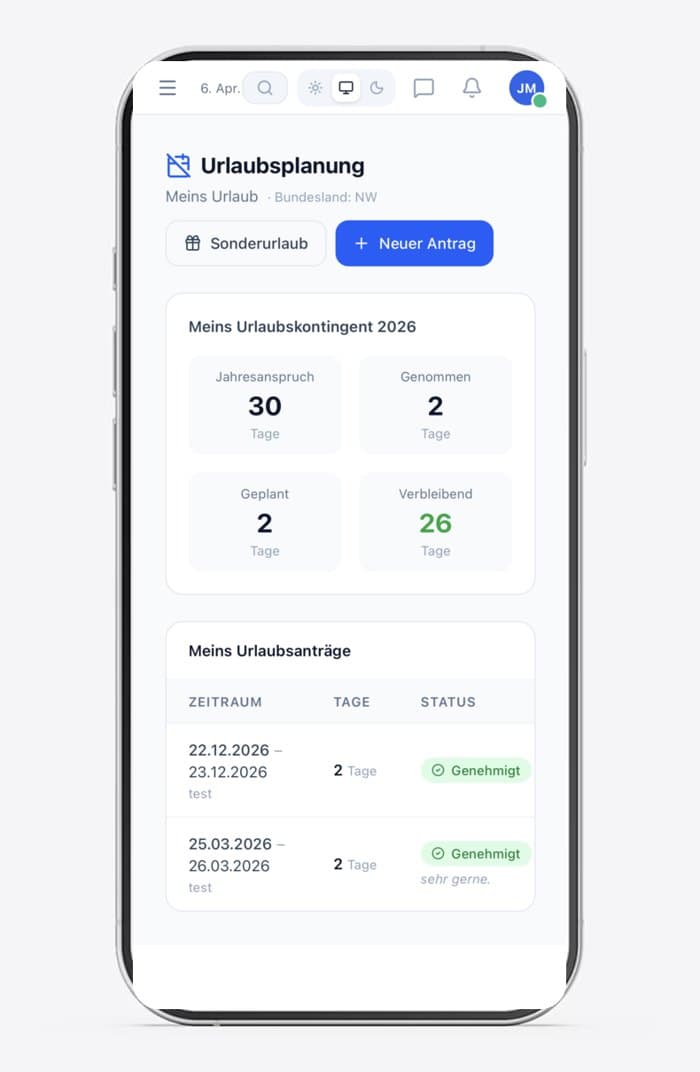
Teambase — the employee app I develop myself.
Teambase is a GDPR-compliant employee app with over 40 modules: secure messenger, time tracking, leave management, project management and an AI assistant. Available for iPhone and Android, with servers in the EU.
What you get
What comes with your app.
For iPhone and Android
Your app is published on the App Store and Google Play — with the same features and design.
Push notifications
Important updates land right on your users' lock screen.
Login & personal data
Everyone sees what's meant for them — secure and privacy-compliant.
Connected to website & portal
Same data, same design, one login for everything.
Publishing in the stores
I handle your App Store and Google Play listings and see the app through review.
Updates & support
New iOS and Android versions, new features: your app stays up to date.
App or web app? I'll give you an honest answer.
Not every idea needs an app in the store. Often a web app that sits on the home screen like an app is enough — cheaper and without store review. In our first call we'll find out what suits you.
More on this: PWA instead of a native appProcess
From idea to the store.
- 01
First call
You tell me about your idea. Together we work out what the app needs to do — and what it doesn't.
- 02
Design & fixed price
You see the key screens as a draft and get a fixed-price quote.
- 03
Build & test
You test the app early on your own phone and give feedback before it's published.
- 04
Publishing & support
I get the app onto the App Store and Google Play and keep it up to date afterwards.
FAQ
Common questions about apps.
How much does an app cost?+
It depends on the scope: an app for events and news is built much faster than one with bookings and payments. After our first call you get a fixed-price quote.
What running costs should I expect?+
To publish, you need your own developer account with Apple (annual fee) and Google (one-time fee). Add servers and support — I lay it all out transparently in the quote.
Do I need two projects for iPhone and Android?+
No. For you it's one project: your app appears on the App Store and Google Play with the same features and design.
How long does development take?+
It depends on the scope. We start with the key features so your app is usable early, then expand. Apple and Google review is planned in from the start.
Can the app access my portal or website?+
Yes. App, portal and website can share the same data — changes in the admin area appear everywhere instantly.
Got an app idea?
Tell me about it — I'll honestly tell you whether an app, a web app or a portal is the best way to go.
Prefer the browser? See member & customer portals